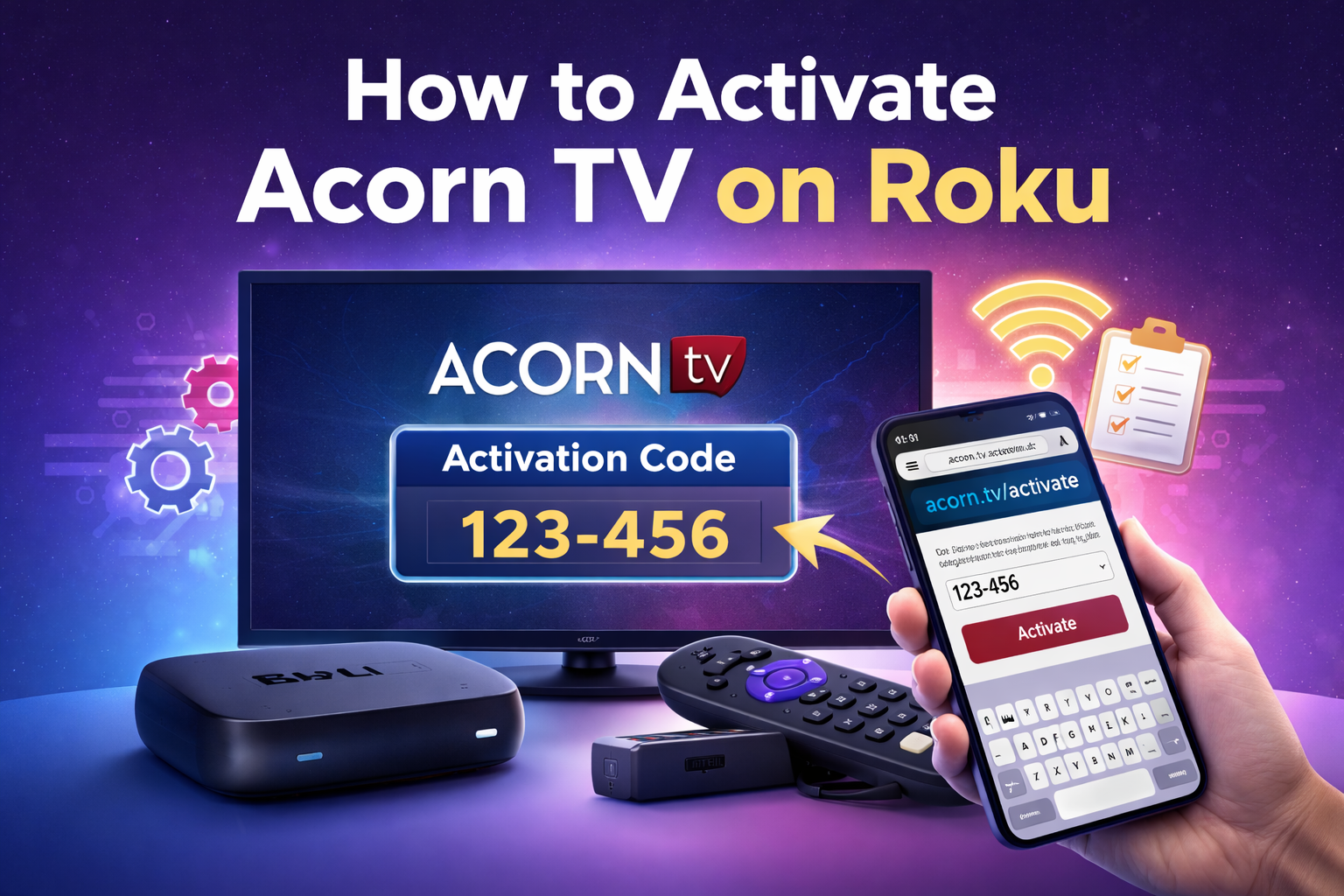
If you’ve recently set up a Roku device and want to enjoy British dramas, mysteries,
This guide explains the complete activation process, from installing the Acorn TV app
to fixing common activation issues, so you can start streaming without frustration.
What You Need Before Activating Acorn TV on Roku
Before you begin, make sure you have the following:
- A Roku streaming device or Roku TV
- A stable internet connection
- An active Acorn TV subscription
- A phone, tablet, or computer for activation
Acorn TV must be installed on your Roku before you can activate it.
Step 1: Install the Acorn TV Channel on Roku
- Turn on your Roku device and press the Home button.
- Select Streaming Channels from the menu.
- Search for Acorn TV in the Channel Store.
- Click Add Channel to install it.
Once installed, the Acorn TV app will appear on your Roku home screen.
Step 2: Open the Acorn TV App
Launch the Acorn TV app from your Roku home screen.
You’ll see a sign-in or activation screen with a unique activation code.
Step 3: Activate Acorn TV Using the Activation Code
- On your phone or computer, open a web browser.
- Go to acorn.tv/activate.
- Sign in using your Acorn TV account credentials.
- Enter the activation code shown on your TV scr